
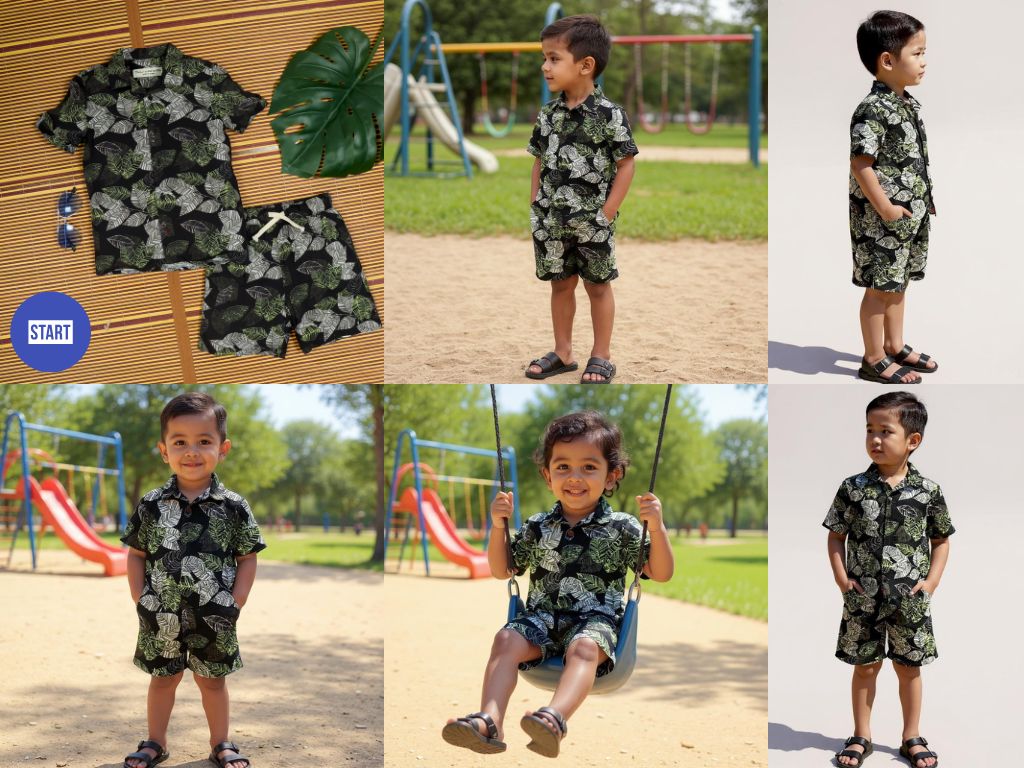
Generate professional product photography through AI conversation.
Upload between 1-4 images of your product here to analyze and start. For items, 1 image of the product in a hand or body part is a great way to give the AI size reference. For garments, a flat lay works great. If the system misunderstands the product or any elements like a collar or sleeve type, just tell the AI the missing element to fix in image generation. Great also for placing logos and artworks onto products like T-shirts etc.
Social media and ecommerce photography. Excels at garment photography and model shots from flat lays, table shots of your product, logo placement on products.
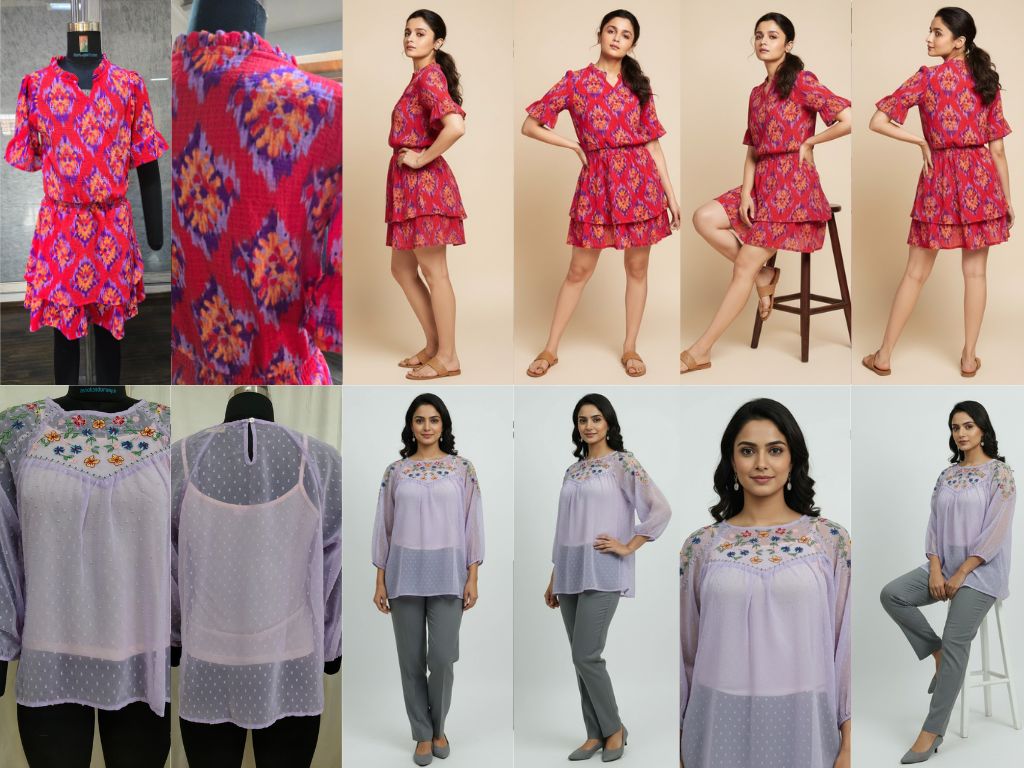
Create complete fashion catalog collections from simple garment photos using AI-powered modeling.
Start by uploading front and back photos of your garment, plus an optional face reference. Configure your studio setting, accessories, and model description. Select from preset shot types or create custom combinations. The AI generates professional catalog shots showing your garment on models in various poses and angles.
Fashion e-commerce, clothing brand catalogs, garment design portfolios, online fashion retailers, fashion marketing campaigns.
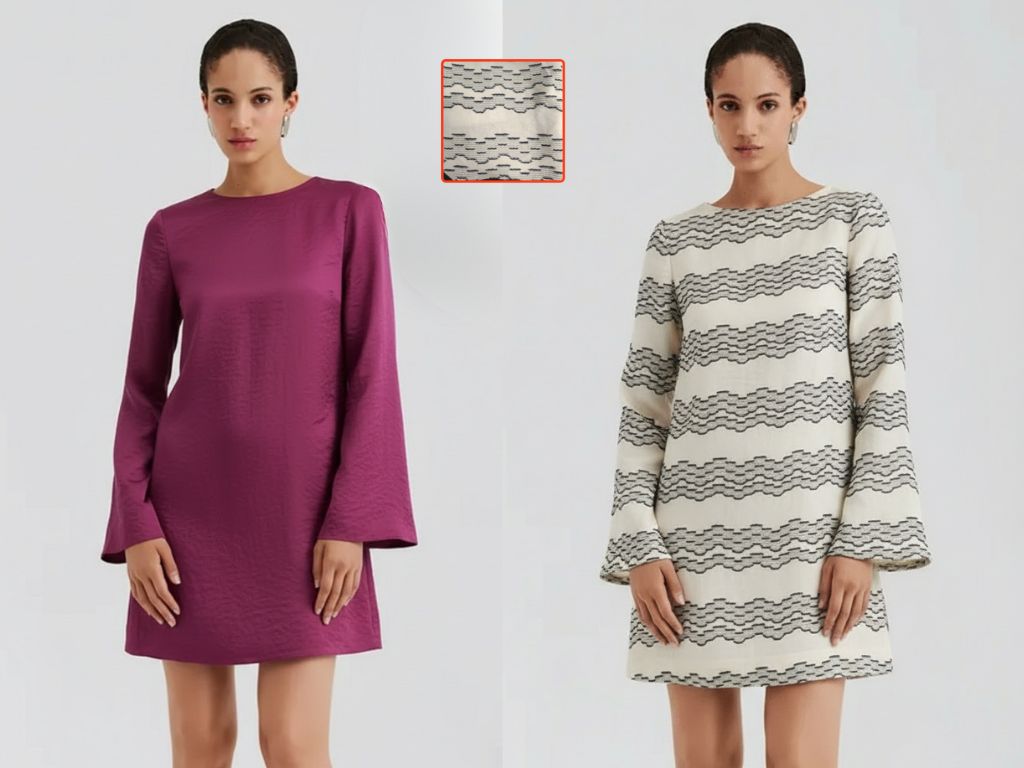
Preview any fabric swatch on garments instantly with AI-powered pattern mapping.
Upload your garment photo and fabric swatch. Position and scale the swatch using the live preview panel with the red outline showing exact placement. Describe your garment (e.g., "oxford shirt with rolled sleeves"), select your output aspect ratio, and generate. The AI swaps the garment fabric while maintaining realistic drape and fit.
Fashion designers previewing fabric collections, textile buyers visualizing swatches on products, garment manufacturers sampling patterns before production, custom clothing businesses showing clients options.
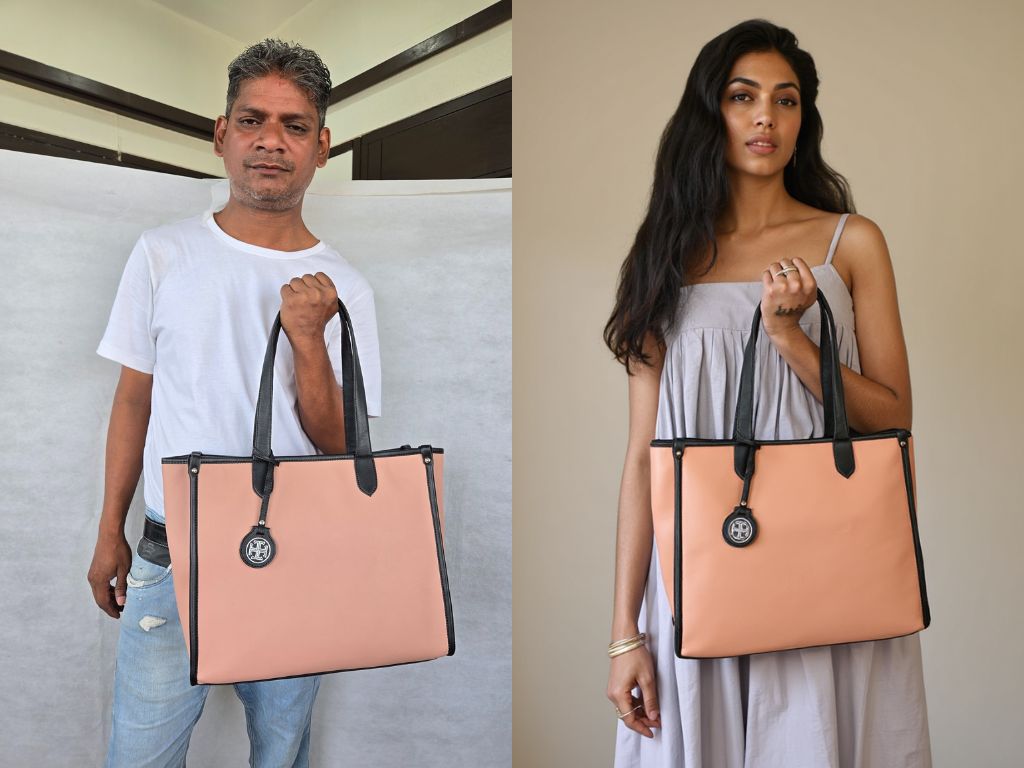
Transform ordinary photos into professional studio-quality imagery.
Upload your image here to analyze and start. You can relight it entirely or edit its parts and then relight the edited image. Reframe aspect ratio or make up to 10-second videos from an image.
For professional grade product photography, model swaps. Jewellery, bags, furniture, bottles and more.